


Flight, Hotel & Car Inventory
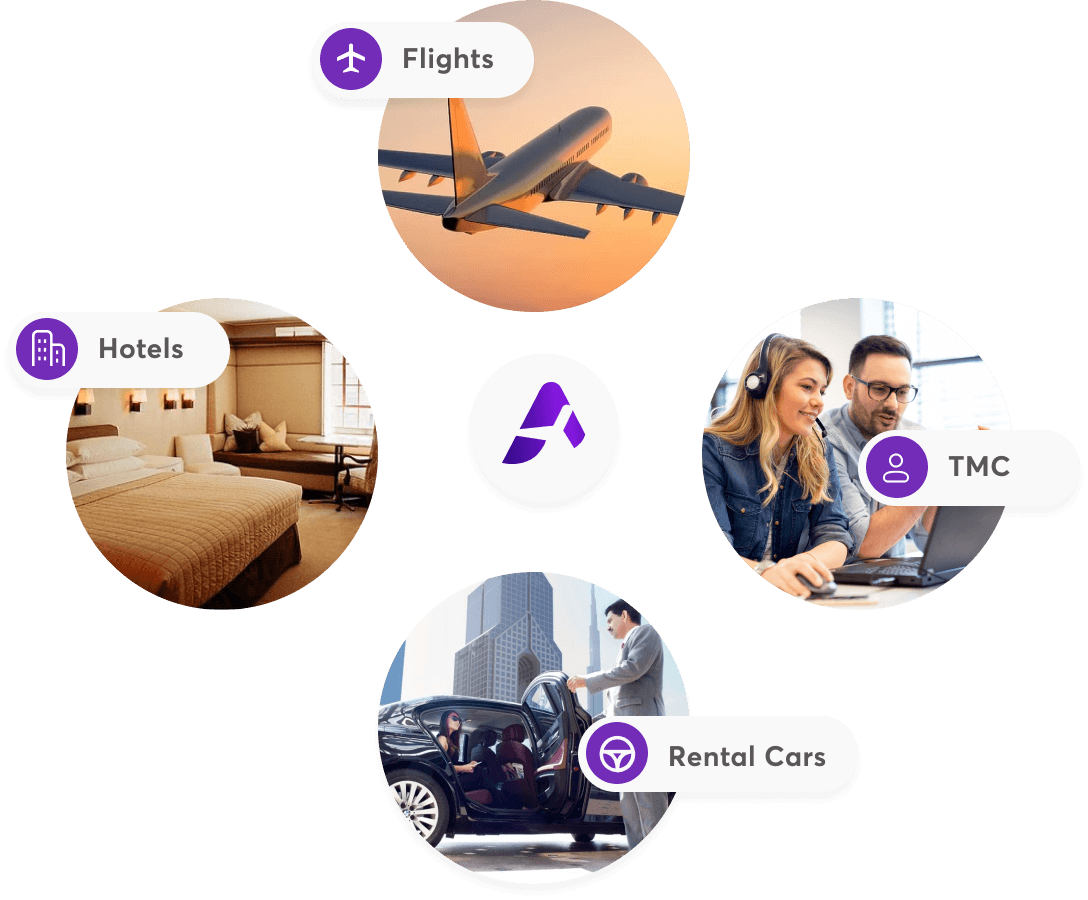
- Provides a comprehensive range of properties, flight options, and car rental services worldwide.

Built-in AI Travel Concierge
Experience smarter, faster, and more engaging travel planning—all in one app
White-label
A travel agency wants its corporate clients to book under the agency's own brand.
White-label booking platform
Give your corporate travel customers a modern booking and expense experience under your agency's own brand.
Your logo, colours and domain across a web booking portal and mobile app — your clients see your agency, not ours.
Connect the content contracts you already hold, so fares, deals and revenue stay with your agency.
Load each client's corporate codes and travel policy. Every fare is flagged In Policy or Out of Policy as travellers search.
Route bookings for approval when policy needs it, and keep every expense tied to the trip it belongs to.
The commissions and productivity-linked bonuses on every booking your clients make through your platform stay with your agency.
The offer
USD 10,000 one-time per corporateTMC
The TMC sets up its suppliers once, then a subsite for each corporate client.
For travel management companies
Connect your suppliers, set up a subsite for each client with its own branding and travel policy, and manage approvals, orders and tickets from one web platform and a branded mobile app.
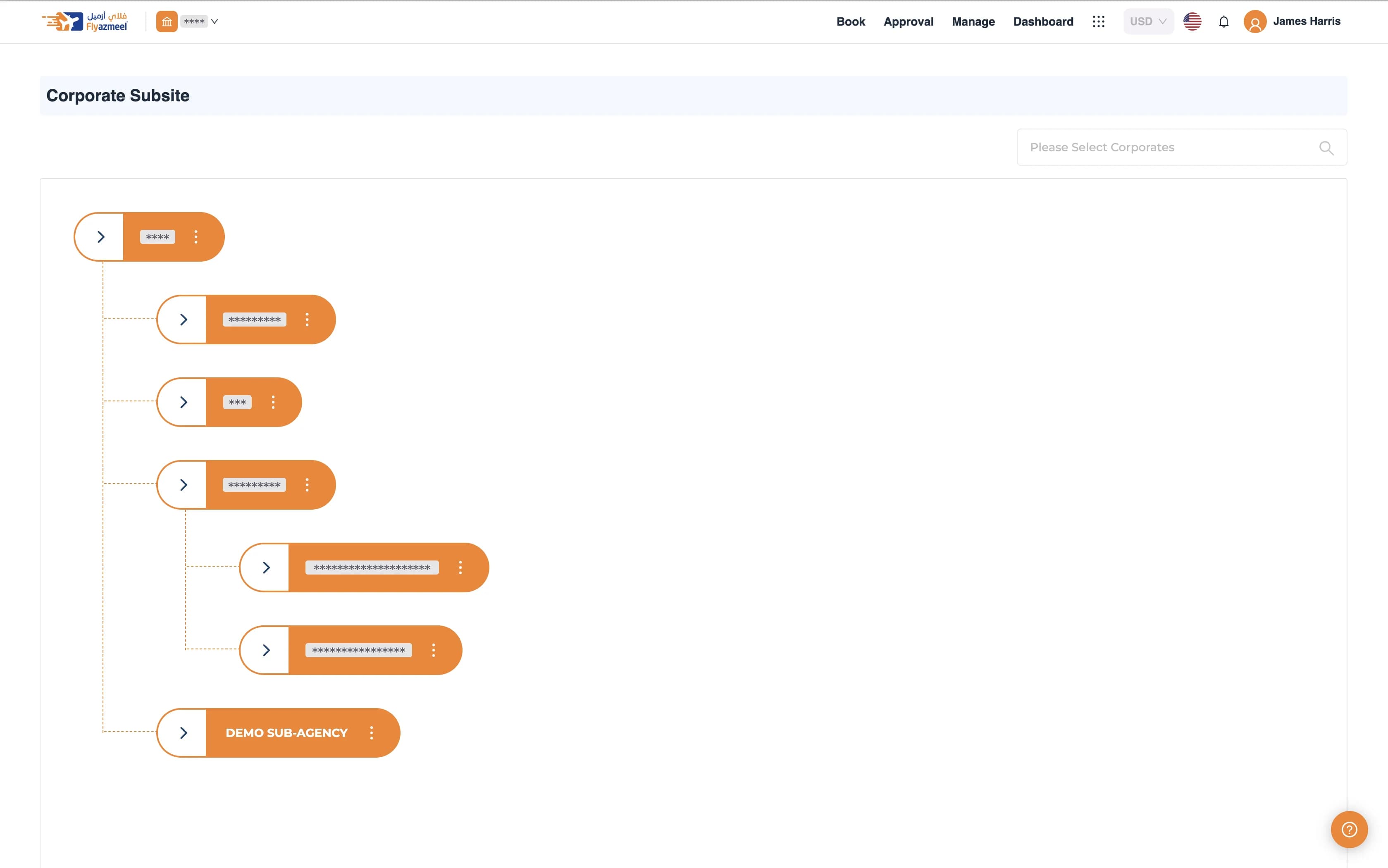
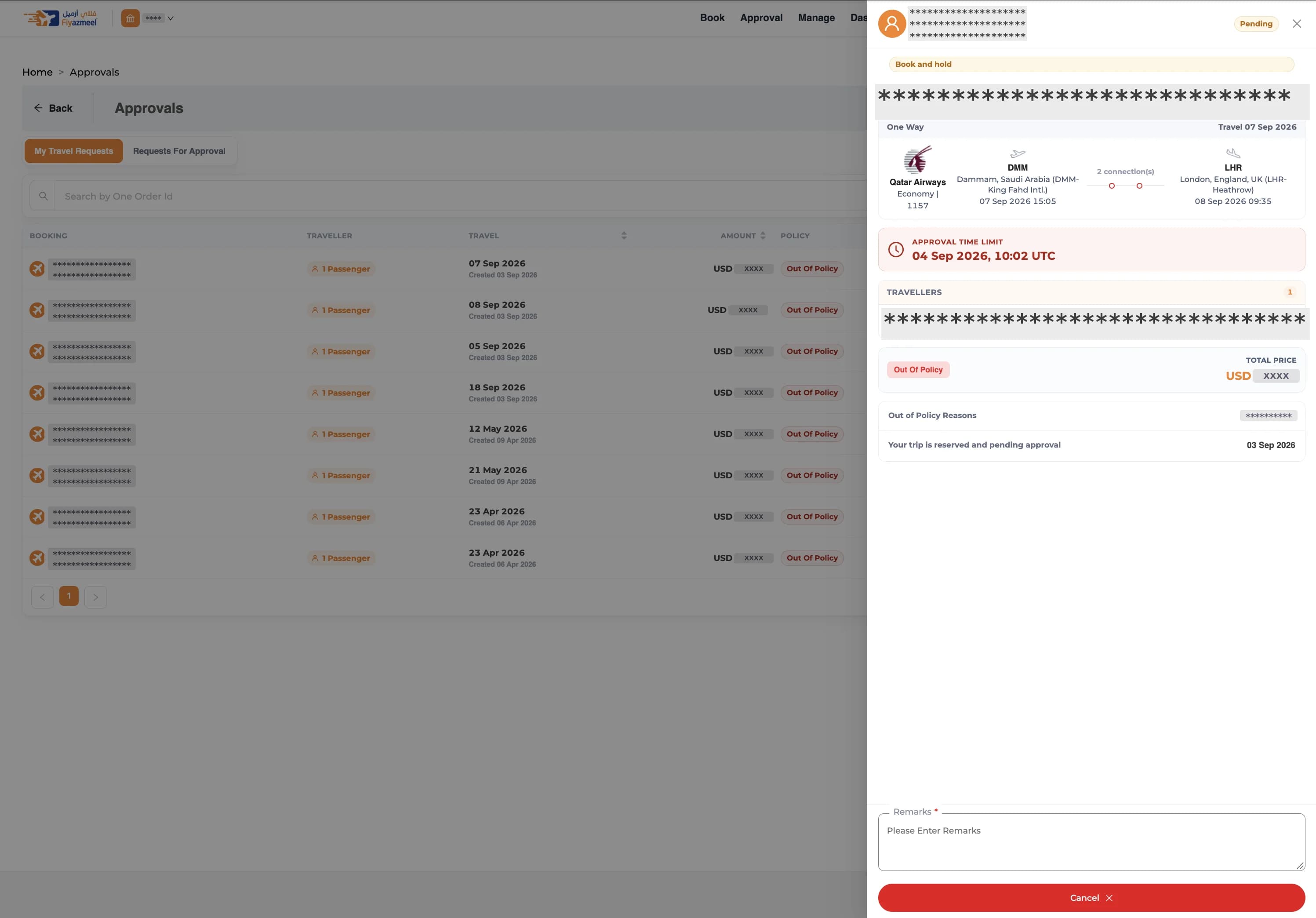
What the guided tour covers
Guided tour
See how a TMC sets up suppliers, subsites and branding, then how its clients book and manage their trips.
7 chapters43 stepsAbout 10 min with narration
Corporate
An employee books a flight for a business trip, under the company's travel policy.
For corporates
Search fares from every supplier connected to your account, see which ones fit your travel policy, and book for yourself or a colleague. Every booking is in one place afterwards.
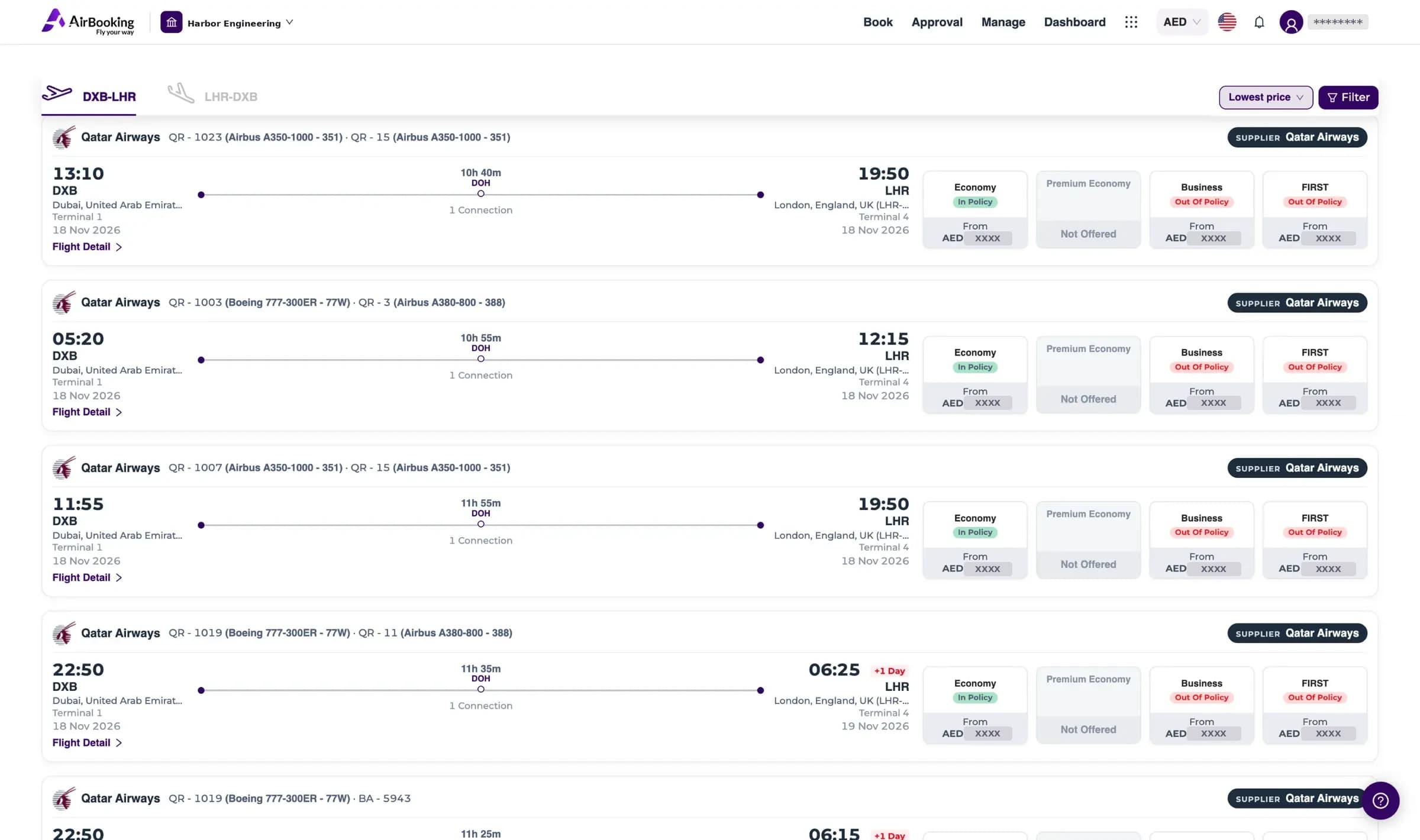
What the guided tour covers
Guided tour
Follow a real booking from search to ticket. Each step highlights the part of the screen it talks about.
7 chapters20 stepsAbout 7 min with narration
Voice or text — corporate travellers book trips faster while policy, content sources and IFG settlement run in the background.
See Donna in a demoTour operators
A tour operator builds a holiday package and sells it in the AirBooking shop.
For tour operators
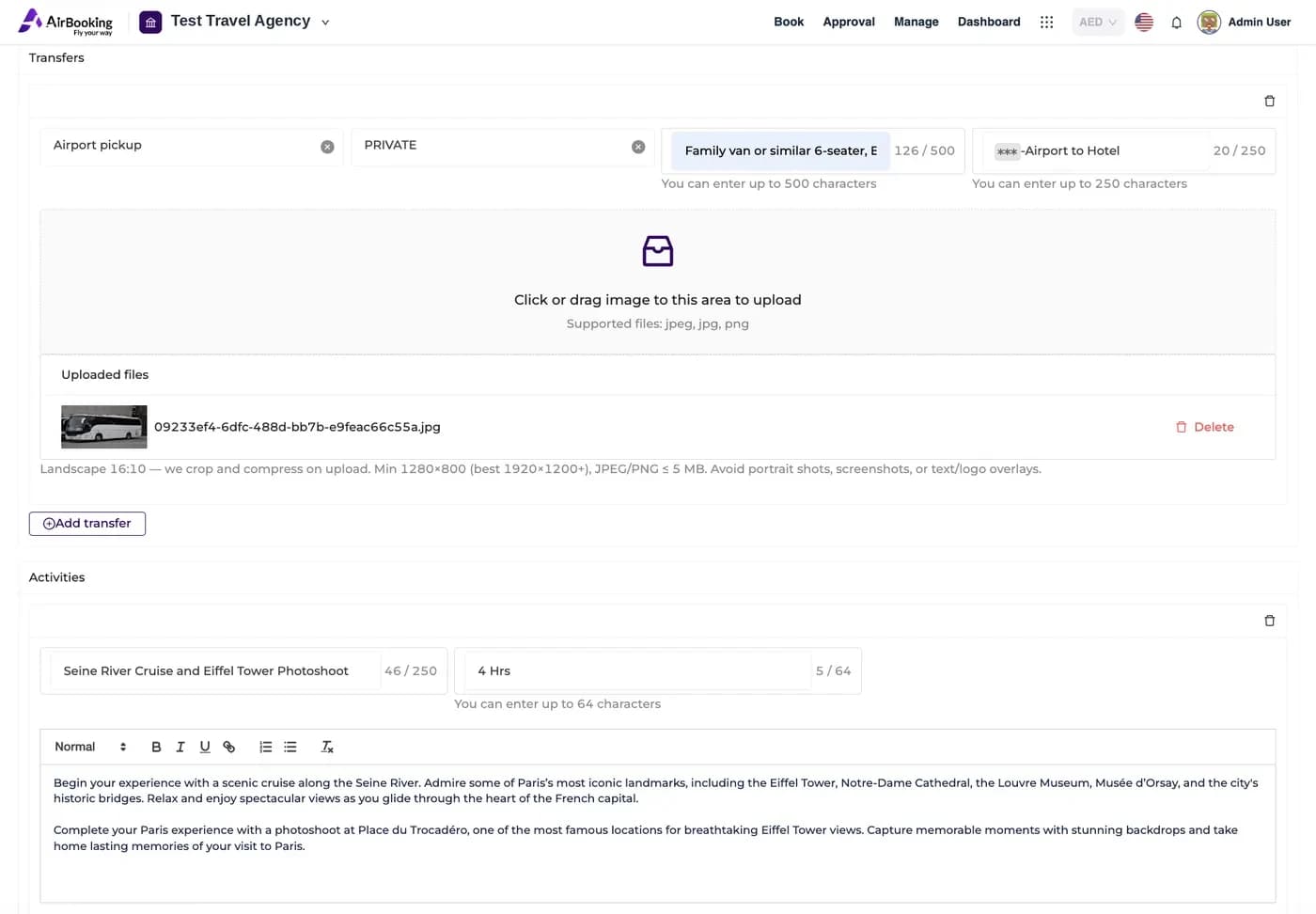
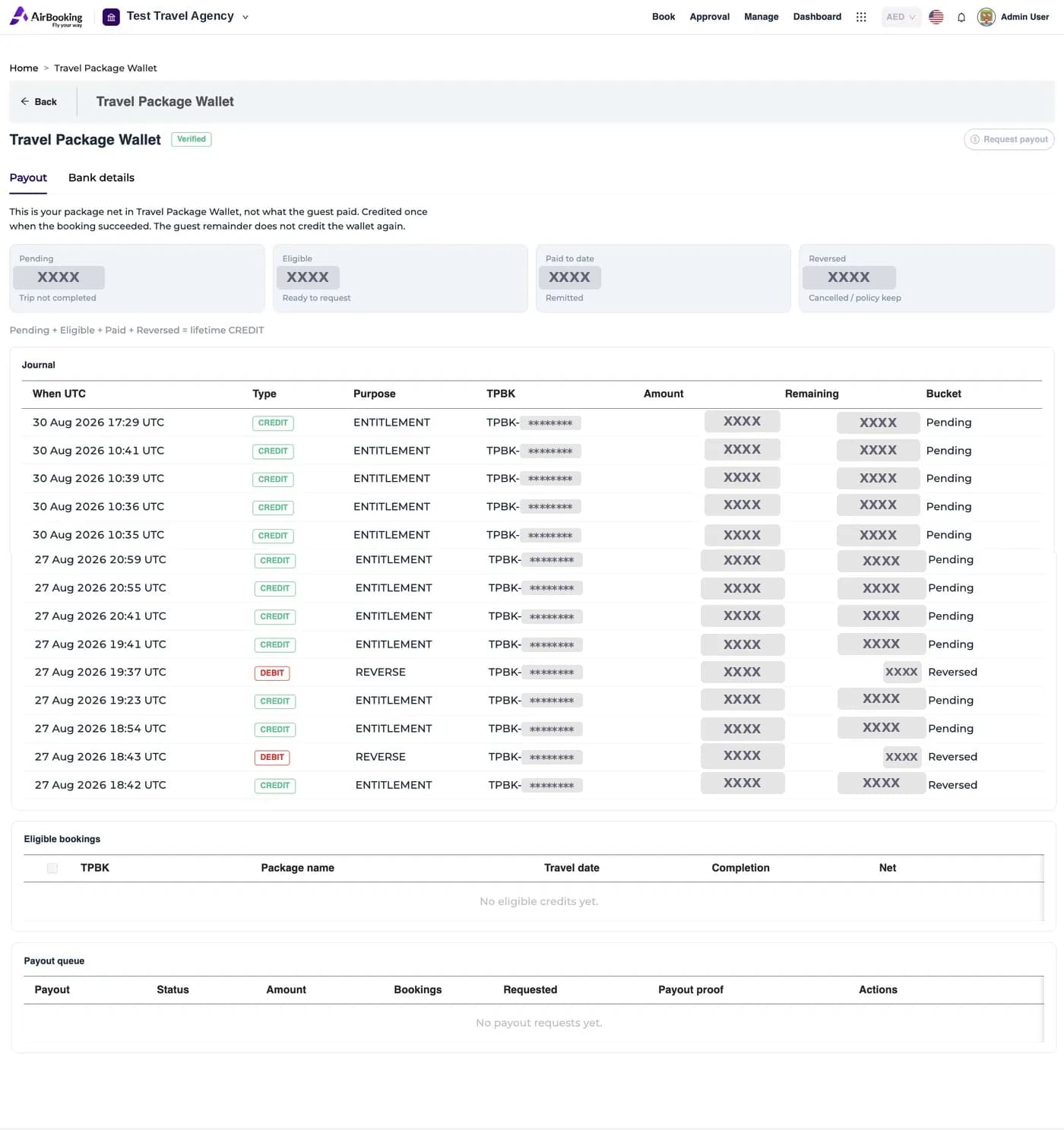
Combine flights, hotels, transfers, activities and meals into packages with a day-by-day itinerary. Once approved, they sell in the AirBooking shop and each booking credits your net to your wallet.
What the guided tour covers
Guided tour
From onboarding to your first payout: create a package, get it approved and manage your wallet.
5 chapters25 stepsAbout 10 min with narration
Airline
An airline sets up its own account and activates itself as a content supplier.
For airlines
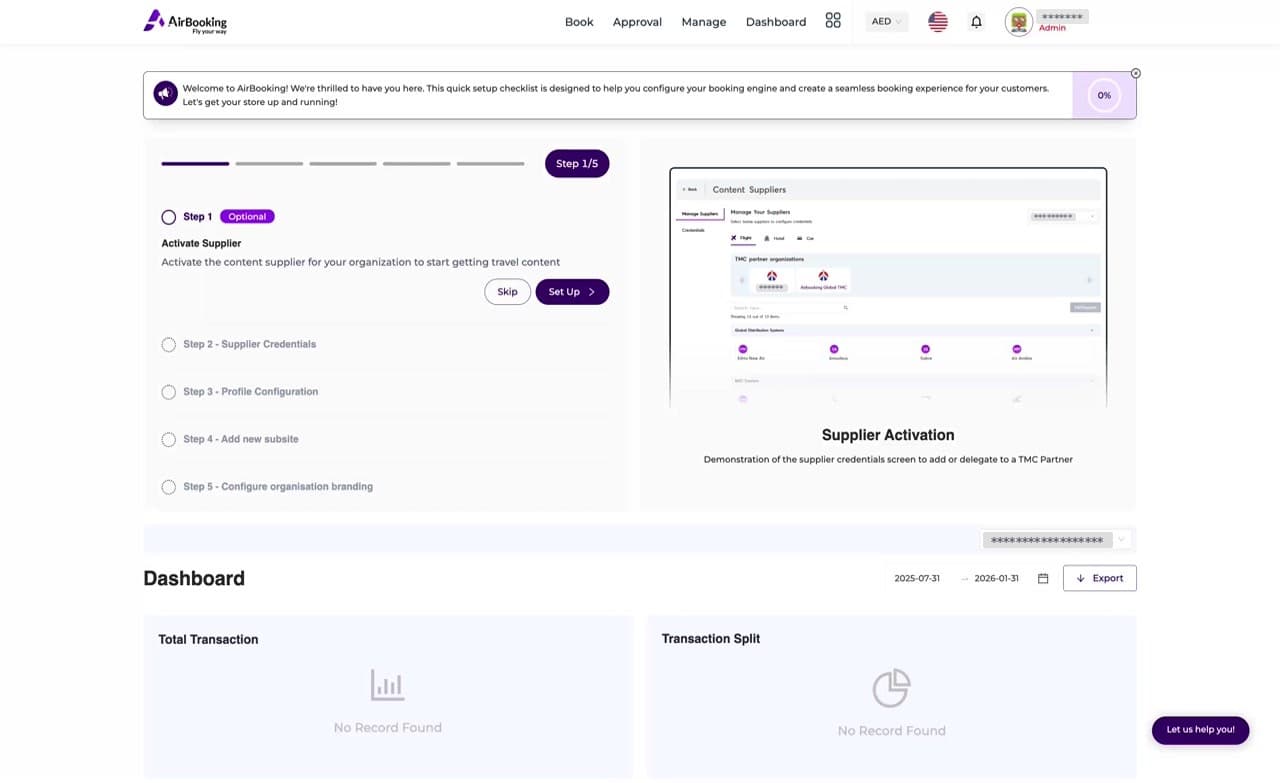
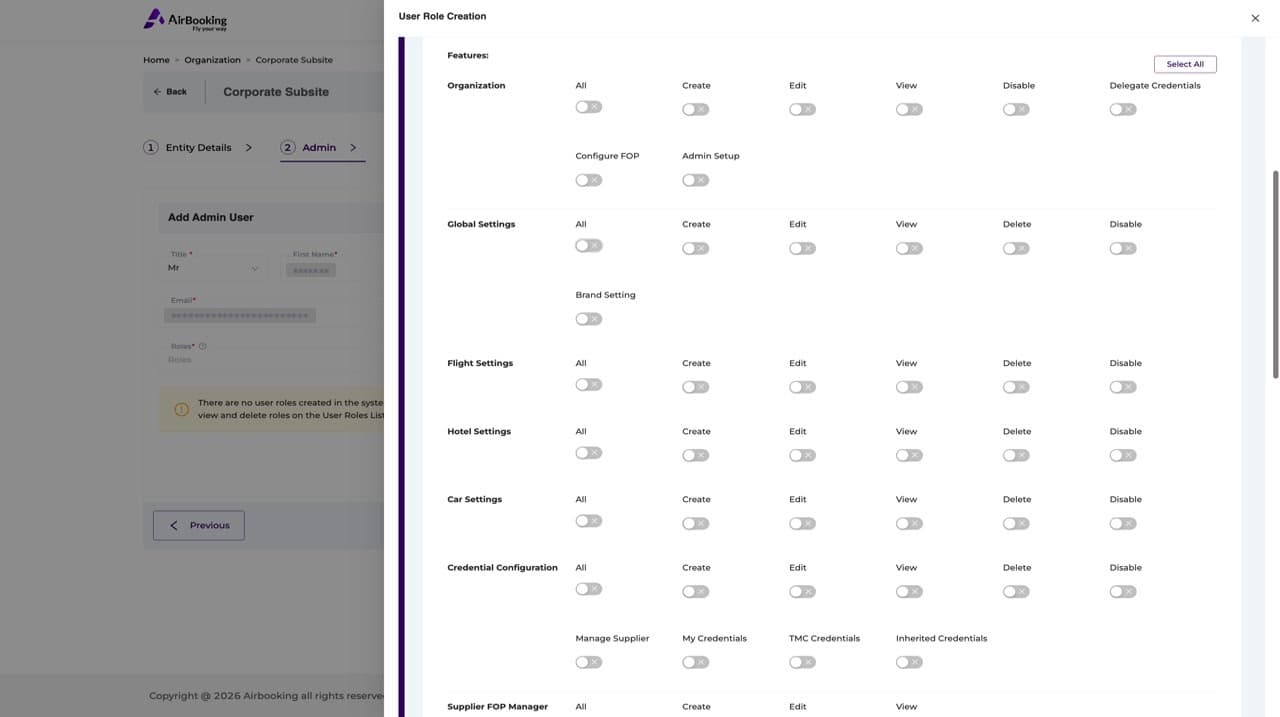
Register on the Airlines tab, activate your airline as the content supplier, add the credentials your airline issues, and give your team the roles they need.
What the guided tour covers
Guided tour
Walk through registration and the airline setup path. Try each step yourself in the panel beside the screen.
4 chapters13 stepsAbout 4 min with narration
Agencies, TMCs, corporates, tour operators and airlines each use AirBooking for their part of a trip.
Industry-Leading Certifications & Standards
IATA ARMI (Air Retailing Maturity Index) certified. IATA NDC Level 4 Full Offer and Order Management compliant. IATA Financial Gateway integrated. NDC 21.3 standardised content backbone.


Global Travel Partnerships
We connect GDS, NDC airlines and direct suppliers, so flight, hotel and car inventory from around the world is in one platform.




















This integration enhances payment orchestration across the travel ecosystem
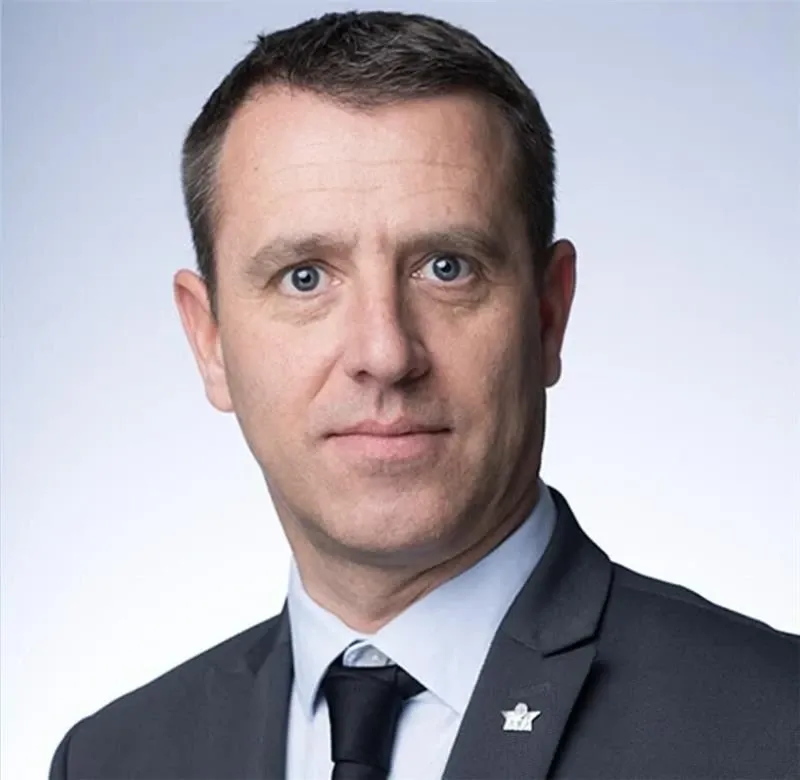
"This integration enhances payment orchestration across the travel ecosystem. By combining IFG’s robust global payment infrastructure with AirBooking.com’s AI-powered travel platform, we enable a seamless payment experience that accelerates the industry's transition to modern airline retailing."
The corporate booking tool TMCs, corporates and airlines actually want to run their business on.